1. The Process Fallacy: "Make Software Work Like We Work Today"
Many digital transformation projects begin with an executive command that sounds sensible on the surface: “We want new software that works exactly like we work today.”
In practice, that objective is often deeply flawed.
Before asking software engineers to automate your current operational sequence, leadership must ask a much harder question: Is this actually an efficient, high-value process?
If your team currently processes customer quotes by generating an Excel spreadsheet, printing it for an executive physical signature, scanning the signed PDF, emailing it to dispatch, and having an admin manually re-type the numbers into an accounting database, simply coding digital screens for each of those steps achieves nothing.
Fundamental Rule
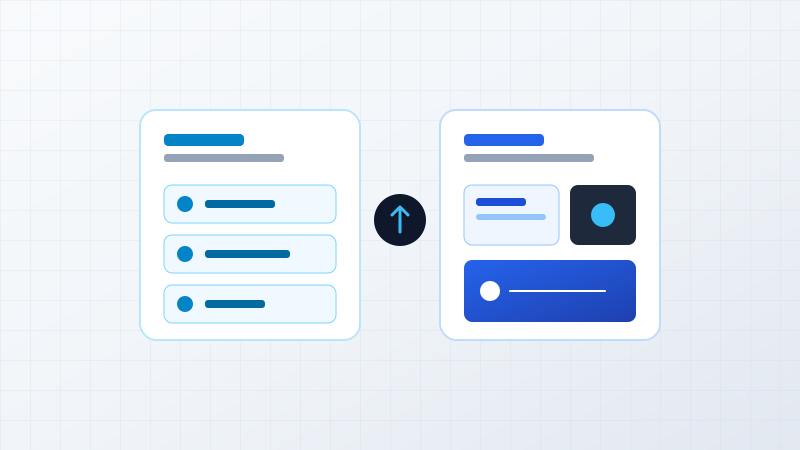
"Digitizing a bad process does not create digital transformation. Digitizing a bad process simply creates a faster, more expensive bad process."
2. The Process Decision Framework
There is a widespread misconception that software must always adapt to the business. That is commercially unrealistic. The correct strategic response depends on whether the workflow is efficient and whether it represents genuine competitive differentiation:
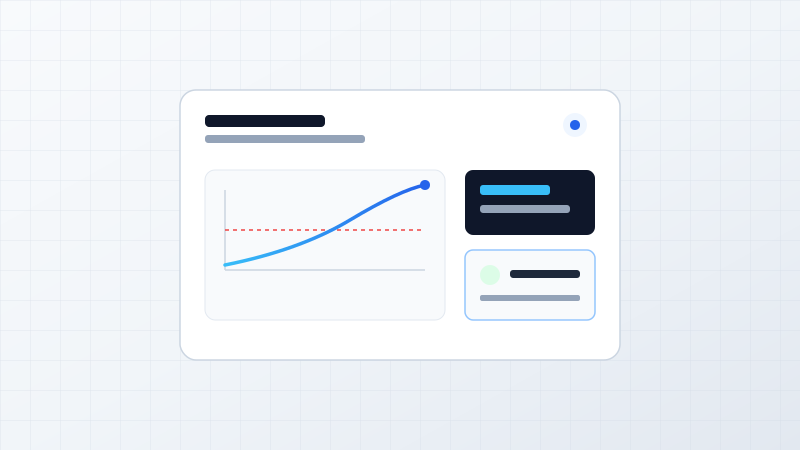
Evaluating efficiency, uniqueness, and technology strategy
3. The Three Categories of Business Processes
Every organization operates three distinct classes of operational processes:
Category 1: Standard Commodity Processes (Adapt the Business)
Functions like payroll taxes, general ledger accounting, corporate email, and standard vacation approvals are governed by universal industry and statutory norms. If a mature commercial platform (like QuickBooks, Tally, or Google Workspace) handles these effectively, attempting to build a custom system is a poor allocation of capital. Here, your business should adapt to the software's best-practice workflows.
Category 2: Inefficient or Broken Processes (Redesign the Process)
Workflows that grew organically through historical accidents—such as multiple duplicate approvals, manual data entry between spreadsheets, or informal WhatsApp handoffs—are fundamentally broken. You should never build custom software to cement an inefficient process. Here, leadership must simplify and redesign the process before introducing technology.
Category 3: Differentiated Strategic Processes (Adapt the Software)
These are the proprietary workflows that explain why clients choose your company over competitors:
- A multi-tier dynamic pricing matrix that calculates wholesale volume discounts instantly
- A specialized job scheduling engine for custom fabrication and manufacturing
- A customer-facing self-service configuration portal that reduces ordering cycle times from days to minutes
- A proprietary inspection and compliance audit workflow for field technicians
Forcing these high-value workflows into rigid, generic off-the-shelf software strips away your competitive edge. For differentiated processes, the software must adapt completely to your business.
4. Warning Signs: When Software Forces Damaging Workarounds
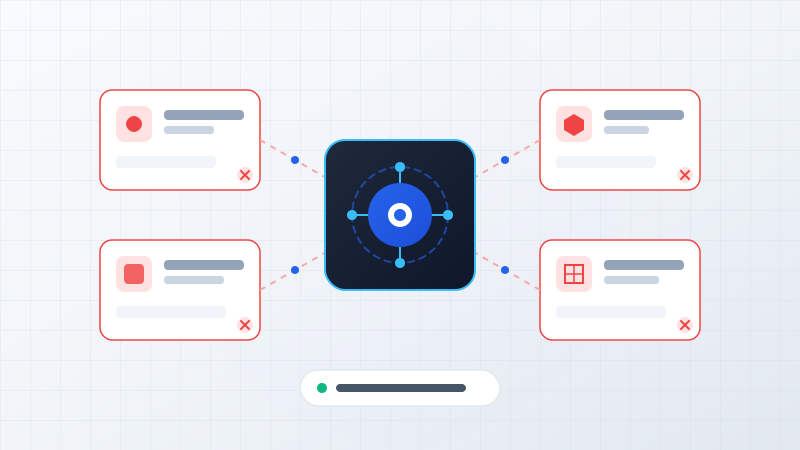
How do you know when commercial software is actively harming your business? Look for the Spreadsheet Workaround Loop:
The Dangerous Workaround Loop
When staff routinely export data into external spreadsheets just to get daily work done, your software has failed. This indicates that your operational complexity has outgrown the software's rigid capabilities.
However, do not assume custom software is the instant answer. Investigate the root cause:
- Is the software simply misconfigured?
- Is training inadequate?
- Is an automated API integration missing?
- Or does your workflow genuinely require a tailored business software layer?
5. The ByteStream Process-First Approach
At ByteStream, we practice a disciplined, process-first modernization methodology:
Improve what is inefficient.
Build software that amplifies what makes your business unique.