1. The Technology Dilemma: When Tools Create More Work Than They Remove
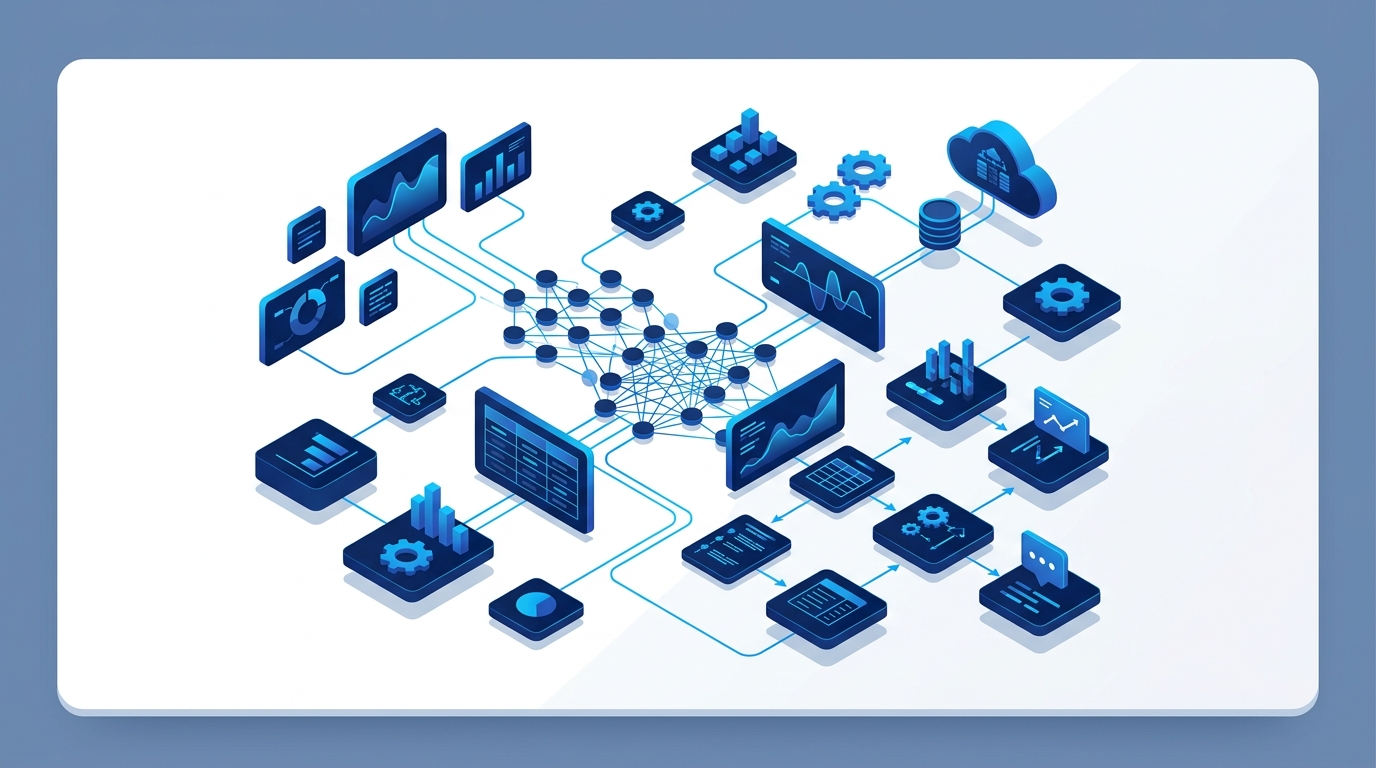
Businesses often reach an operational turning point where their existing software tools begin creating more work than they remove.
The sales team operates in one CRM. Operations coordinates logistics in a separate tool. Finance manages invoicing and reconciliations in complex spreadsheets. Departmental approvals happen informally over email threads or WhatsApp messages. When executive management asks for a consolidated performance summary, teams spend hours manually exporting, cross-referencing, and stitching together reports from disconnected sources.
At this stage, a familiar question emerges in boardroom and founder discussions: “Do we need custom software?”
The pragmatic answer is: Not necessarily.
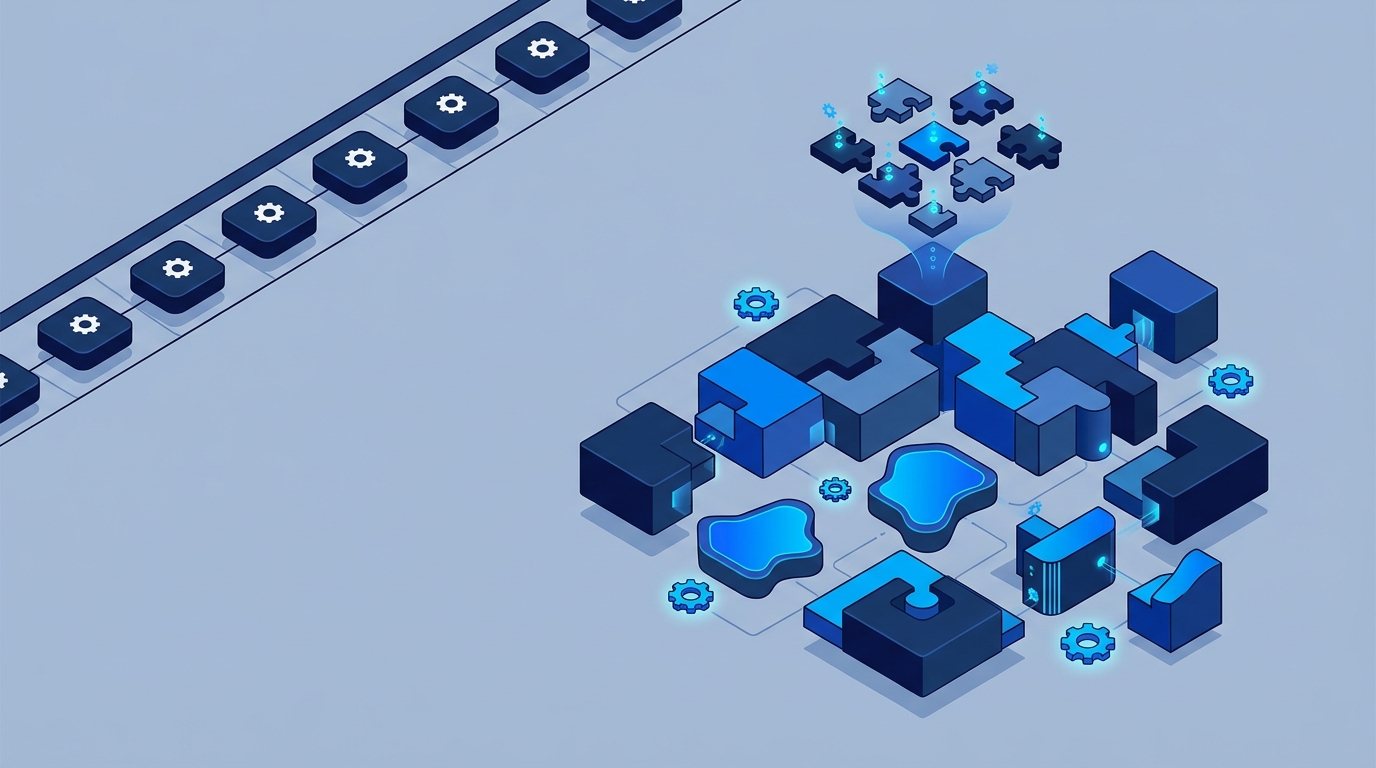
Custom software is not a universal remedy, nor is it automatically superior to existing commercial products. Sometimes the right solution is better configuration of existing software. Sometimes it is connecting disconnected applications through APIs. Sometimes an off-the-shelf ERP or CRM is the faster, more economical path. And sometimes a company has genuinely reached the stage where software tailored to its proprietary workflows becomes the single most valuable operational investment it can make.
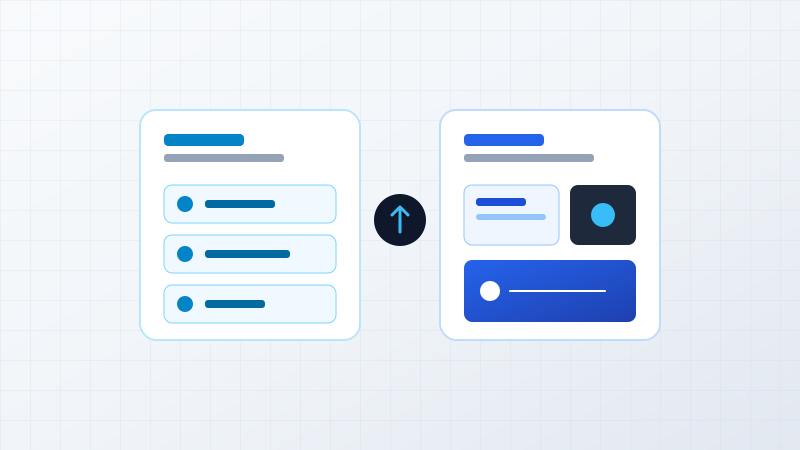
Best for standard workflows (email, accounting, basic CRM) where mature commercial tools already excel.
Best when standalone apps work well but data must flow automatically between them without re-typing.
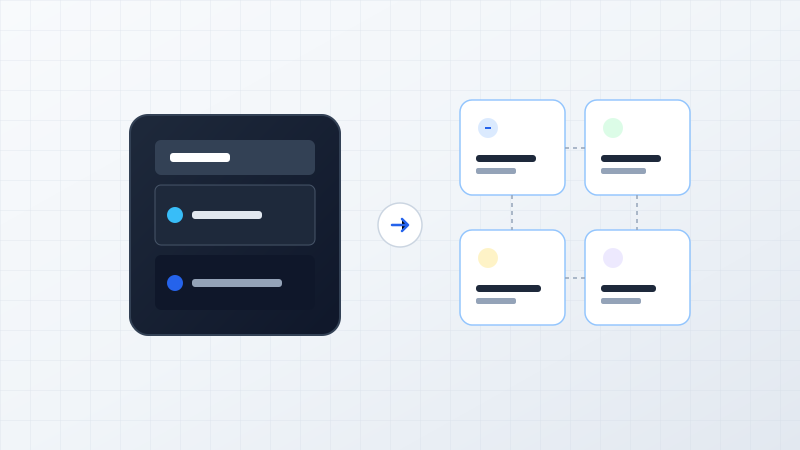
Best for repetitive, rule-based tasks across departments without rebuilding core application stacks.
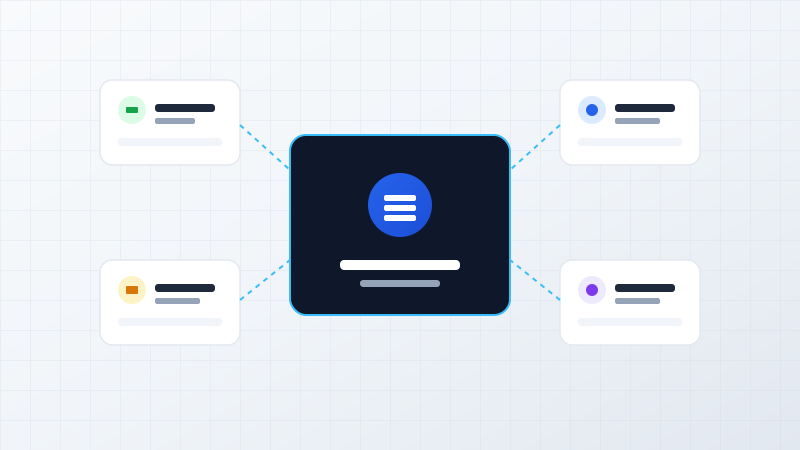
Best when proprietary processes, high transaction scale, or competitive differentiation require purpose-built software.
The goal of technology strategy is not to build bespoke software for the sake of novelty. It is to select the most reliable, cost-effective architecture that removes operational bottlenecks and supports where the business needs to go next.
2. First: When You Probably DON’T Need Custom Software
Before examining when custom software makes sense, it is critical to understand when you should not build custom software. For many operational challenges, building bespoke software introduces unnecessary cost, development lead time, and long-term maintenance overhead.
Here are five clear scenarios where custom software is generally unnecessary:
-
Your Business Process Is Standard:
If your requirement falls into standard business operations—such as general ledger accounting, payroll processing, team email, video conferencing, standard helpdesk ticketing, or basic customer pipeline tracking—established commercial SaaS products (like Google Workspace, Slack, Tally, QuickBooks, or Zoho) already offer polished, battle-tested solutions. Building a bespoke email client or payroll calculator delivers virtually zero competitive advantage.
-
Your Business Is Still Experimenting With the Process:
If your operating workflow changes every few weeks as you test new business models, writing custom code will simply freeze an unstable process into software. Custom development requires well-understood business rules. An organization should first stabilize and prove its operational steps before codifying them into permanent software architecture.
-
A Commercial SaaS Solves 80% to 90% of the Requirement:
If an existing product meets nine out of ten business requirements, adapting that remaining 10% of your internal workflow to match the software is usually far more economical than spending months designing, building, testing, and maintaining an entire proprietary platform from scratch.
-
The Problem Can Be Solved Through API Integration:
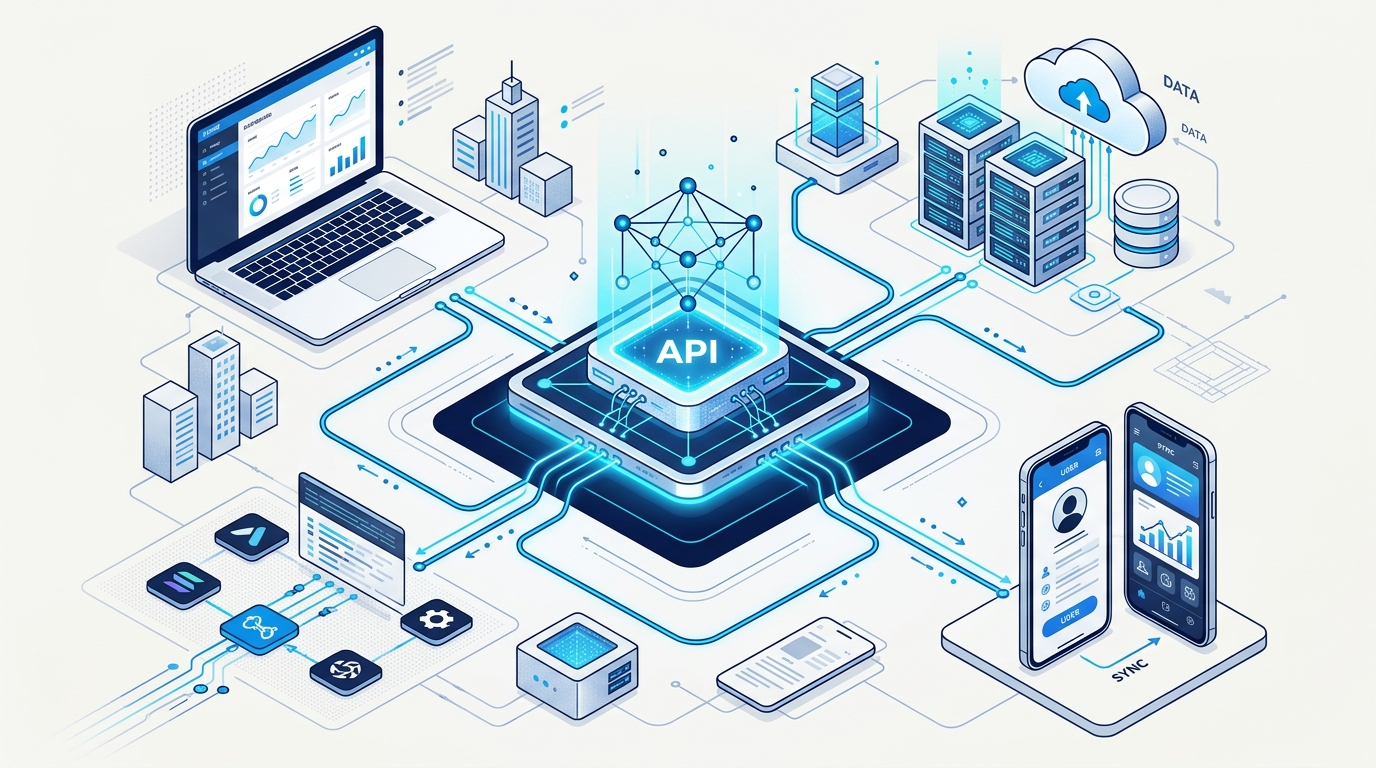
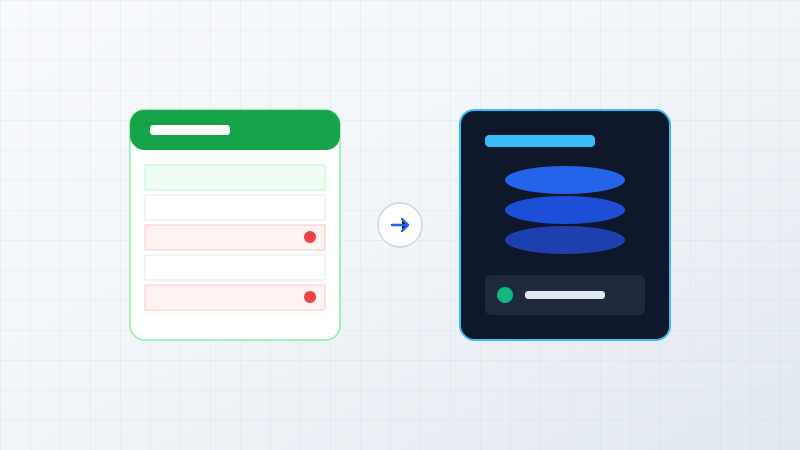
Frequently, businesses do not need another new software application. They simply need their existing standalone tools to communicate seamlessly. If your CRM, accounting software, inventory tracker, and website are operating in isolation, building secure API integration pipelines often eliminates manual data entry at a fraction of the cost of a full ground-up build.
-
The Expected Business Value Does Not Justify Development:
Custom software is an investment that requires capital for initial development, infrastructure hosting, security hardening, user onboarding, and continuous maintenance. If the operational hours saved or revenue unlocked do not produce a clear return on investment, the business case is not yet viable.
Connecting Existing Systems via Secure API Pipelines
Often, unified data flow between existing applications solves the business problem without building new software.
The Guiding Principle
Custom software should solve an economically meaningful business problem — not simply replace off-the-shelf software that already works effectively.
3. 7 Signs Your Business May Actually Need Custom Software
When an organization outgrows generic commercial tools, the limitations appear in daily operations as delays, manual errors, lack of visibility, and operational friction. Here are seven clear indicators that your business has reached the stage where custom software development is justified.
Sign 1 — Your Business Process Is Genuinely Unique
Many thriving businesses succeed precisely because they execute operations differently from standard industry competitors. They may have:
- Specialized multi-stage manufacturing workflows and custom assembly tracking.
- Complex dynamic quotation logic factoring raw material indexes, batch quantities, and tiered client terms.
- Unique seat or asset reservation rules with strict real-time concurrency controls.
- Multi-tiered matrix approvals involving technical, commercial, and legal stakeholders.
- Proprietary dealer or distributor networks with custom credit hierarchies and incentive models.
- Industry-specific regulatory compliance, serialization, and chain-of-custody tracking.
When you attempt to force a truly unique operating model into off-the-shelf software, you are forced to strip away the custom nuances that give your company its competitive edge.
Strategic Insight
When your operational process creates competitive advantage, forcing it into generic software may mean losing the very thing that makes your business different.
Sign 2 — Your Team Is Building Workarounds Around Existing Software
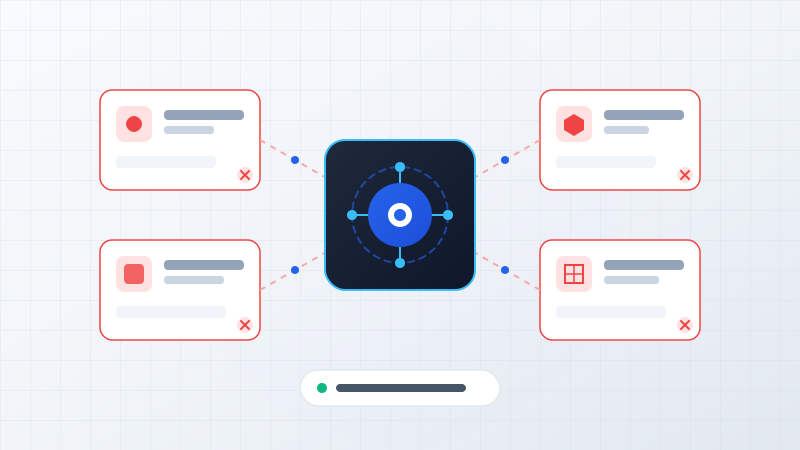
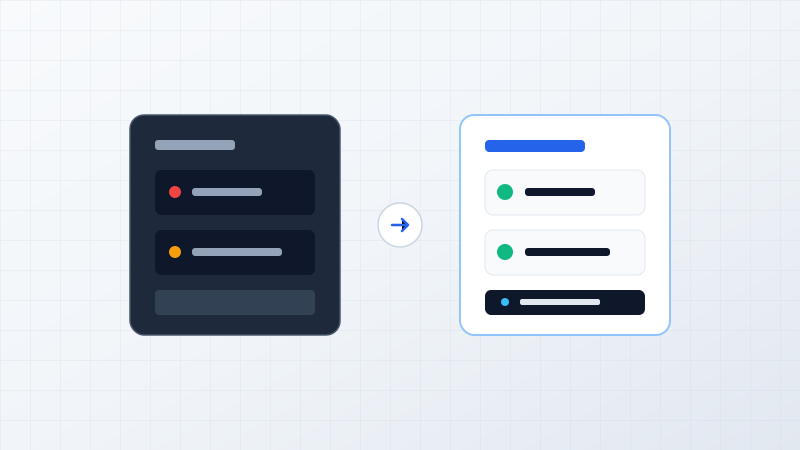
In many companies, employees spend hours every week managing "workarounds" because the official software cannot accommodate daily operational realities. The standard pattern looks like this:
When staff members spend significant payroll hours working around software rather than through it, the bottleneck is structural system design, not team effort.
Sign 3 — Your Systems Don’t Talk to Each Other (Data Silos)
A growing enterprise often accumulates half a dozen standalone systems over time: a website portal, a cloud CRM, an ERP module, desktop accounting software, a warehouse sheet, a payment gateway, and customer WhatsApp channels. When these systems operate independently:
- Staff members must manually re-key the same customer details into three different portals.
- Customer records and order statuses become inconsistent across departments.
- Financial reconciliation between invoices, inventory allocations, and bank deposits takes days.
- Management reporting suffers from delayed or contradictory data.
Before jumping straight into full custom software, our engineering team first evaluates whether an API and integration layer can bridge the tools. If individual systems are fundamentally ill-suited or lack modern APIs, unifying operations into a custom enterprise web platform becomes the sustainable route.
Sign 4 — Your Business Depends Heavily on Manual Processes
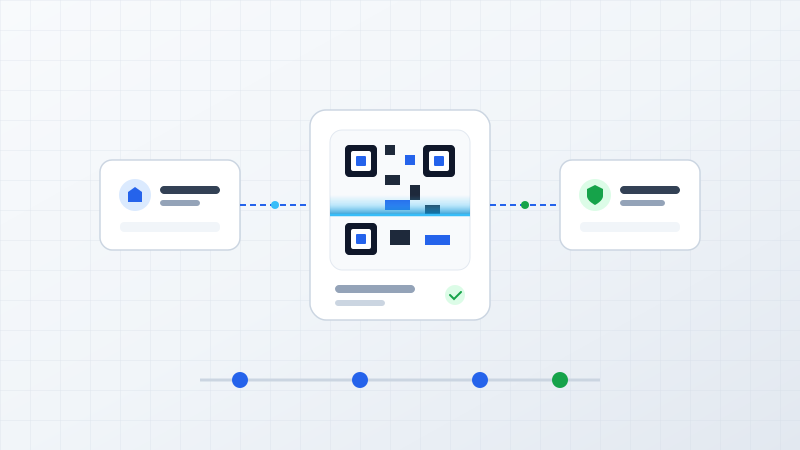
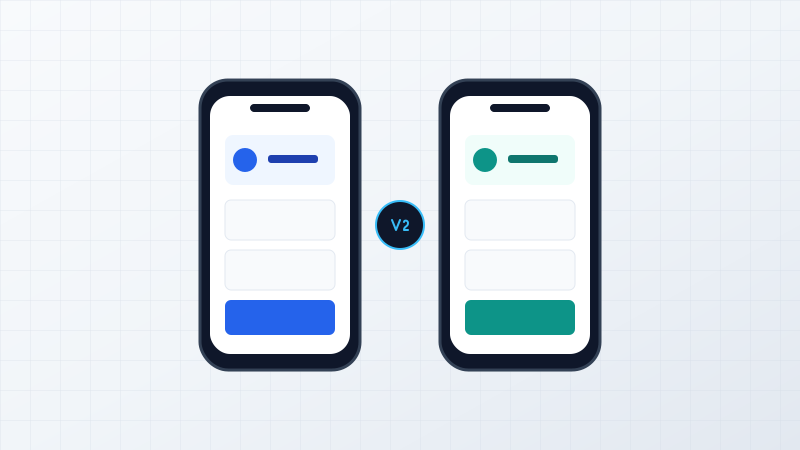
When key operational workflows rely on manual intervention at every step, operational velocity drops and human error rates escalate. Consider the transformation when manual processes are codified into automated software logic:
When a workflow is stable, repetitive, and critical to company revenue, building dedicated custom software eliminates friction and unlocks team capacity.
Sign 5 — Existing Software Cannot Scale With the Business
Scalability in business operations means much more than server CPU load. It involves organizational throughput:
- Handling 500 daily orders instead of 10 without increasing back-office staffing tenfold.
- Supporting multiple branch locations, warehouses, or regional entities under unified governance.
- Managing complex role-based access permissions across dozens of departmental roles.
- Accommodating high-volume SKU catalogs and tiered pricing matrices without performance lag.
A software tool or spreadsheet that served five employees well during early growth often breaks down completely when supporting fifty team members across multiple operational units.
Sign 6 — Management Cannot Get Real-Time Visibility
Ask yourself: How long does it take leadership to answer fundamental operational questions?
- "What is today's exact dispatched sales volume versus committed inventory?"
- "Which customer accounts are pending manager approval for more than 48 hours?"
- "Where are current operational bottlenecks slowing down fulfillment turnaround?"
- "What is our real-time gross margin across active product lines this week?"
If leadership must wait two days for analysts to manually extract CSVs and build spreadsheet summaries, management is steering the company using a rearview mirror rather than a live instrument cluster.
Sign 7 — Technology Could Become a Competitive Differentiator
The most compelling business case for custom software occurs when technology transitions from a supporting back-office utility into a primary commercial driver that helps you win in the market:
- 10x Faster Customer Onboarding: Delivering instant account setup and verified digital KYC.
- Real-Time Self-Service Portals: Allowing clients and partners to track orders, download invoices, and request service 24/7.
- Dynamic Automated Quotations: Generating accurate complex estimates in seconds while competitors take three business days.
- Data-Driven Operations: Utilizing operational telemetry to optimize logistics routing, inventory reorders, and customer retention.
The Definitive Decision Rule
The strongest case for custom software isn't "our current software is annoying." It is "purpose-built software would materially improve how our business operates, serves customers, and competes in the market."
4. Build, Buy, Integrate or Automate? A 4-Option Decision Framework
When leadership recognizes that current systems are inadequate, the choice is not simply a binary "build everything" or "suffer the current tools." Mature enterprise engineering evaluates four distinct strategic options:
Off-The-Shelf SaaS
Adopt an established commercial software product with standard pre-built features and immediate deployment.
API Integration
Build secure middleware connectors between existing standalone SaaS, ERP, and accounting applications.
Workflow Automation
Introduce targeted automated triggers, validation bots, and approval notifications across your existing stack.
Custom Software Development
Engineer a dedicated web or mobile platform built 100% around your proprietary workflows and competitive advantages.
5. Decision Matrix: Evaluating Technology Fit
To help founders, operations heads, and technology leaders determine which approach fits their current operational scenario, ByteStream uses this comparative framework:
| Business Situation | Commercial SaaS | API Integration | Workflow Automation | Custom Software |
|---|---|---|---|---|
| Standard business process (e.g. basic payroll, email, video conferencing) | Strong Fit | Sometimes | Sometimes | Usually Unnecessary |
| Multiple disconnected systems (e.g. CRM, accounting, inventory separate) | Limited | Strong Fit | Strong Fit | Sometimes |
| Genuinely unique workflow (e.g. specialized manufacturing, custom pricing) | Limited | Sometimes | Sometimes | Strong Fit |
| Manual repetitive work (e.g. data re-keying, manual status updates) | Limited | Sometimes | Strong Fit | Sometimes |
| Competitive differentiation (e.g. faster client onboarding, proprietary portal) | Limited | Limited | Sometimes | Strong Fit |
| Rapidly increasing operational complexity (e.g. multi-branch, high transaction volume) | Depends | Strong Fit | Strong Fit | Strong Fit |
6. How Do You Know If Custom Software Is Worth the Investment?
A custom software initiative should always be evaluated as a commercial investment rather than an IT expenditure. Before commissioning development, examine the return across six measurable business dimensions:
Time Saved
How many employee hours are currently consumed by manual data entry, file reconciliation, and manual report preparation?
Errors Reduced
What is the direct financial, reputational, and operational cost of typos, missed orders, wrong shipments, or billing miscalculations?
Revenue Enabled
Could faster quoting, superior client portals, and automated fulfillment allow the business to process 30% more orders?
Visibility Improved
Can executive leadership make faster, data-backed operational adjustments with real-time operational telemetry?
Scalability
Can transaction volume grow 3x to 5x over the next 24 months without requiring a proportional hiring surge in administrative overhead?
Risk Reduction
Does the platform provide granular role permissions, immutable audit histories, automated data backups, and business continuity?
Illustrative ROI Scenario (Operational Efficiency)
Illustrative ExampleNote: This is an illustrative benchmark. In a growing business, reclaiming 220 hours of monthly employee capacity does not merely reduce administrative payroll—it redirects skilled team members toward customer support, account management, and revenue-generating initiatives.
7. Custom Software Is a Business Decision — Not Just a Technology Decision
Commissioning custom software is fundamentally a long-term operational commitment. When an organization chooses to build proprietary software, it assumes responsibility for the software lifecycle:
- Product Ownership: Defining business priorities, workflow rules, and feature roadmap.
- Architecture & Quality: Ensuring clean code standards, database normalization, and performance scalability.
- Security & Compliance: Safeguarding customer data, enforcing encryption, and keeping runtime dependencies patched.
- Infrastructure & Hosting: Managing cloud environments, database backups, and uptime monitoring on platforms like AWS.
- Continuous Evolution: Iterating the software as business models, tax regulations, and customer demands evolve over time.
This is precisely why ByteStream advises clients never to commission custom software casually. When executed strategically for the right business reasons, custom software becomes an enduring enterprise asset that appreciates in value over time.
8. How ByteStream Approaches Custom Software Decisions
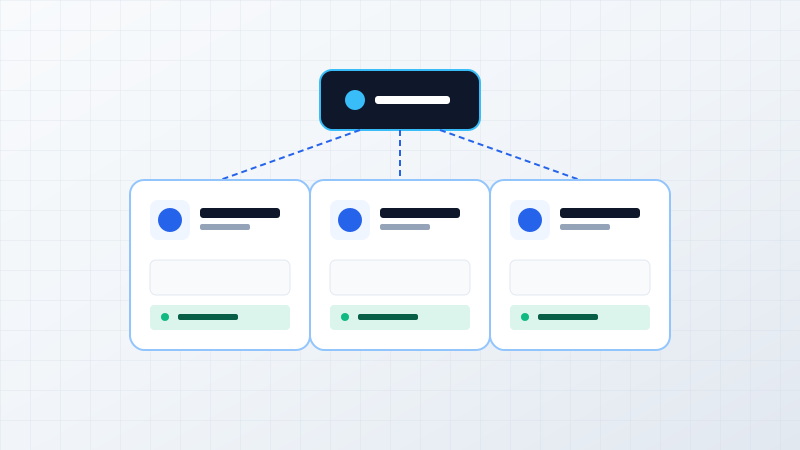
At ByteStream, we operate as engineering and technology advisory partners. We do not push custom development when a simpler solution is better for the client's bottom line. When evaluating any technology initiative, our engineering team follows a structured 11-step advisory lifecycle:
The ByteStream Engineering Assessment Pathway
We start with 'What business problem are we trying to solve?'”
9. Related Guides & Next Steps
If your organization is evaluating whether your current tools are supporting growth or silently holding you back, here are practical resources to help guide your technology strategy:
- Spreadsheet Migration: If spreadsheets have gradually become part of your operational infrastructure, start with our guide: 5 Signs Your Business Has Outgrown Excel.
- Tailored Software Solutions: Learn how we design high-availability web and mobile platforms on our Custom Software Development practice page.
- Connecting Standalone Tools: Explore how bi-directional API pipelines eliminate double data entry via our System Integration & APIs practice.
- Core Enterprise Infrastructure: Learn about role-based, database-backed operational portals on our Enterprise Platforms page.
- Architecture Advisory: If you need an objective technical assessment of your current software stack, review our Technology Consulting & Advisory Services.