1. The Accidental Spreadsheet Monolith
A growing enterprise rarely sits down in a boardroom and makes a conscious strategic decision: "Let's run our entire supply chain, customer pipeline, and financial reconciliation on spreadsheets."
Instead, it happens organically and invisibly. In the early days of a business, a spreadsheet is the fastest, cheapest, and most flexible tool available. A founder creates an Excel sheet to track incoming sales inquiries. A few months later, the operations manager sets up another sheet for warehouse inventory. Soon after, finance builds a workbook for purchase approvals, logistics creates one for dispatch scheduling, and customer support maintains another for service complaints.
Fast-forward two or three years: the company now generates multi-crore revenue, employs dozens of team members, and processes hundreds of daily customer transactions. Yet the core operating backbone of the business remains a loose collection of 15 to 25 disconnected .xlsx files stored on individual desktops, synchronized over shared cloud drives, or emailed back and forth as attachments.
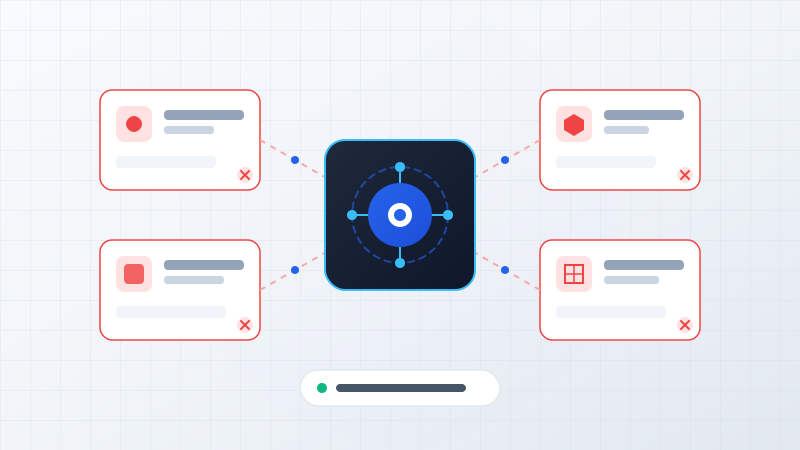
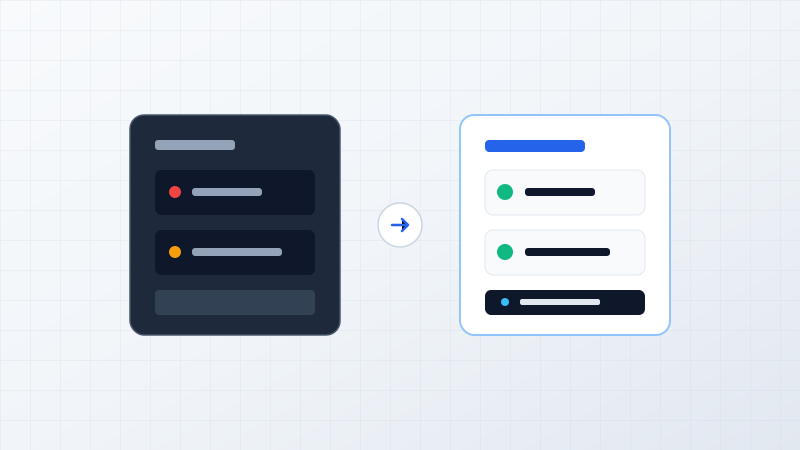
Individual files for sales, inventory, and billing. Quick to launch, zero upfront engineering cost, managed by individual creators.
Version conflicts, repetitive manual copy-pasting, zero audit logs, reporting delays, and heavy single-person dependency.
Centralized relational database, automated role-based workflows, live management dashboards, and integrated API ecosystems.
The problem is not that Excel is a flawed application. Microsoft Excel is one of the most powerful and influential pieces of software ever written. The problem arises when an organization asks a spreadsheet to act simultaneously as a relational database, an ERP, a CRM, a multi-stage approval engine, and an executive reporting suite.
Here are five unmistakable signs that your operational workflow has outgrown spreadsheets—and a pragmatic guide on how to transition without business disruption.
2. Sign 1 — Multiple Versions of the Same Spreadsheet ("Version Chaos")
Every business operator recognizes the classic filename sprawl that develops across email inboxes and shared drives:
Shared Folder: /Operations/Q2_Reconciliation/
4 Conflicting Files Detected
When multiple team members download local copies to their laptops, work offline, or make concurrent edits without transaction locking, version drift is mathematically inevitable. Spreadsheets lack native record-level concurrency controls. Even cloud-based sheets (such as Google Sheets or Excel 365) struggle when twenty people simultaneously filter, sort, and paste columns into live operational datasets.
The core business risk is the loss of a Single Source of Truth. When department heads walk into a management meeting quoting three different revenue figures for the exact same week, hours of executive time are burned determining which file is accurate rather than executing strategic decisions.
Key Architectural Rule
When your team spends more time searching for, consolidating, and validating the correct file than acting on the information inside it, your business process has become structurally fragile.
3. Sign 2 — Too Much Manual Data Entry & "Swivel-Chair Operations"
In many companies, a significant portion of skilled employee payroll is spent performing what systems architects call "Swivel-Chair Integration": manually re-keying identical pieces of data from one screen to another.
Consider the typical journey of an order in a spreadsheet-dependent business:
- A customer order arrives via Email or WhatsApp.
- A sales coordinator manually types the client's name, phone number, and items into an Excel Sales Tracker.
- The accounts team copies those exact same line items into Accounting Software (e.g. Tally or QuickBooks) to generate a proforma invoice.
- The warehouse manager re-types the order ID and quantities into an Excel Dispatch Sheet to allocate stock.
- After shipment, a tracking number is manually pasted back into the master spreadsheet and emailed to the client.
This workflow requires the exact same information to be typed four or five separate times by different human beings. The consequences are predictable and costly:
- Transcription Typos: Misspelled shipping addresses, transposed phone numbers, and incorrect unit counts resulting in delivery failures and return costs.
- Delayed Operational Visibility: Because updates require manual data entry batches, management data is perpetually 24 to 48 hours out of date.
- Wasted Talent: Valuable team members spend their best cognitive hours doing mechanical copy-paste work rather than serving customers or closing new accounts.
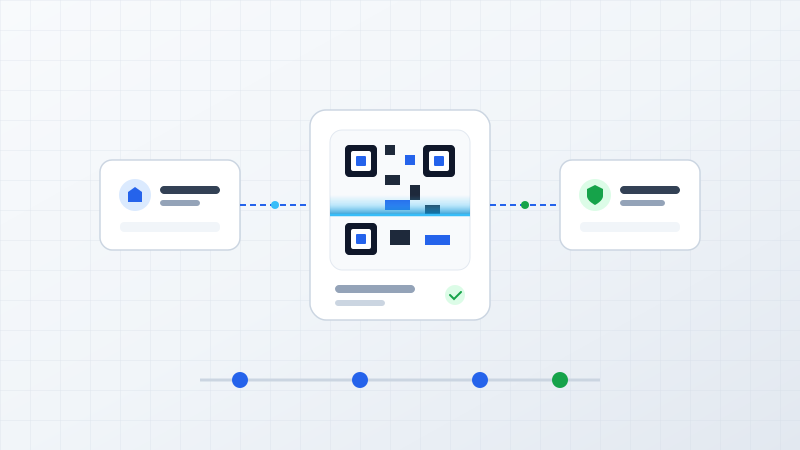
At ByteStream, when we architect custom software solutions or system integration pipelines, our primary benchmark is simple: data should be captured at the point of origin once, validated automatically, and flow instantly to every relevant department without manual re-typing.
The Operational Diagnostic
If your team must manually copy-paste the same data across multiple sheets, emails, and standalone software applications, the bottleneck is your workflow architecture, not your employees' diligence.
4. Sign 3 — You Cannot Easily Track Who Changed What (Zero Audit Trail)
As organizations grow beyond 10 or 15 employees, internal governance, role permissions, and accountability become critical. Spreadsheets were fundamentally engineered for individual analytical freedom, not enterprise access control.
In a shared spreadsheet environment, serious operational vulnerabilities arise daily:
- Accidental Overwrites: An employee drags a formula down a column and inadvertently overwrites historical pricing or customer credit limits without realizing it.
- Missing Forensic History: When a stock figure suddenly drops by 200 units or an invoice status changes from "Pending Payment" to "Paid", there is no reliable system log recording who authorized the change, from which IP address, at what exact timestamp, or for what reason.
- All-or-Nothing Data Access: In Excel, either an employee has access to the workbook, or they do not. You cannot easily restrict a junior sales executive to viewing only their own regional pipeline while concealing company-wide profit margins, vendor cost sheets, and executive compensation data stored in neighboring tabs.
finance@company.com
When businesses transition to structured enterprise web platforms or custom database applications, role-based access control (RBAC) is enforced at the database level. Field teams see only field tickets; managers see approval queues; leadership sees consolidated financial health. Every data modification produces an immutable audit record, providing complete operational transparency and peace of mind.
5. Sign 4 — Management Reports Take Hours or Days to Prepare
Consider what happens in your organization when the founder, CEO, or managing director asks a straightforward operational question on a Tuesday afternoon:
- "What is our exact gross margin across product lines for the current month so far?"
- "Which customer accounts are more than 45 days past due on payments?"
- "How many units of our top-selling SKU are committed to existing orders versus physically available in the warehouse right now?"
In a company powered by modern software architecture, answering these questions takes three seconds: open a dashboard, apply a date filter, and review live charts.
In a spreadsheet-dependent business, these simple questions trigger an all-hands fire drill. Team members scramble to export raw CSVs from various tools, combine workbooks, write fragile VLOOKUP or XLOOKUP formulas, fix #REF! and #VALUE! errors, and assemble a static presentation deck. By the time leadership receives the report on Thursday afternoon, the underlying operational situation has already changed.
The Spreadsheet Reporting Shuffle
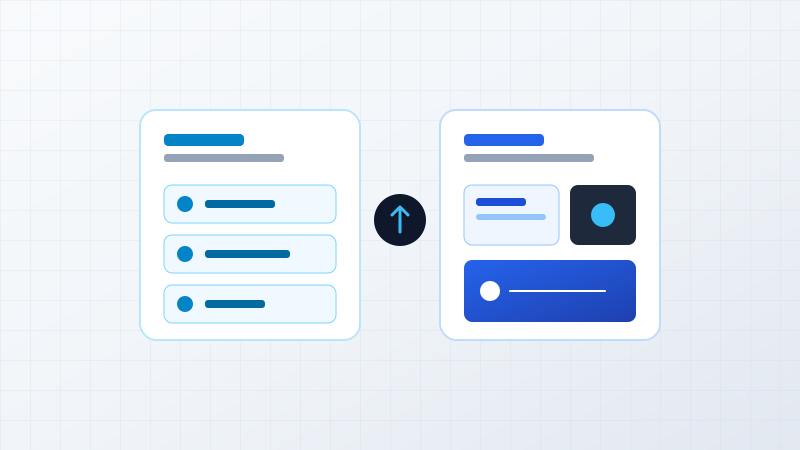
Live Centralized System Telemetry
Management information should flow naturally as a byproduct of daily operations, rather than requiring manual forensic reconstruction every time leadership needs to make a decision.
6. Sign 5 — The Entire Process Depends on One "Spreadsheet Guru"
In nearly every business that relies heavily on spreadsheets, there is a single individual whom everyone unofficially recognizes as the "Spreadsheet Guru". This is the colleague who originally designed the 18-tab master workbook, wrote the custom VBA macros, created the hidden calculation tables, and knows the delicate sequence in which cells must be refreshed.
While their ingenuity kept the business moving during early stages, this setup represents a severe single-point-of-failure (SPOF) operational risk:
- Leave & Vacation Vulnerability: When this key employee takes sick leave, goes on holiday, or resigns, critical business reporting halts entirely because no one else understands the workbook's complex formula hierarchy.
- Formula Fragility: If a non-technical staff member accidentally moves a column or pastes unformatted text, the entire workbook breaks. Finding and debugging a broken nested formula across 10,000 rows can consume days of emergency troubleshooting.
- Painful Onboarding: Training a new hire to navigate a proprietary, undocumented 20-tab spreadsheet requires weeks of shadowing and informal explanations, slowing team expansion.
Core Engineering Principle
A business process must belong to the organization's software infrastructure—enforced by code, validation rules, and automated workflows—rather than existing solely in the memory of individual team members.
7. Excel Is Not the Problem (Understanding Tool-Purpose Fit)
It is essential to state clearly: Microsoft Excel is not the problem, nor is it obsolete.
Excel remains unmatched for what it was purposefully designed to do: exploratory financial modeling, ad-hoc mathematical calculations, scenario forecasting, sandbox data analysis, and rapid prototyping. At ByteStream, our own engineers and analysts use spreadsheets frequently to test hypotheses and crunch statistical models.
The breaking point occurs when an organization confuses an analytical calculation tool with an operational core engine:
Where Excel Truly Excels
Where Spreadsheets Break Down as Core Systems
Recognizing that your business has outgrown Excel is not an indictment of your current tools—it is a positive milestone indicating that your operational volume and organizational complexity have reached a higher tier of maturity.
8. What Should You Do When Your Business Outgrows Excel?
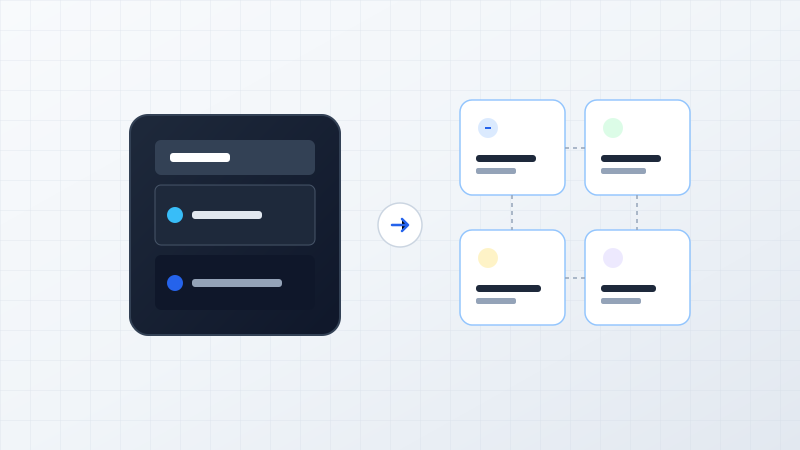
When leadership realizes that spreadsheets are constraining operational velocity, the immediate instinct is often binary: either stay on Excel and suffer the friction, or spend millions of rupees on an overly complex enterprise software overhaul. In practice, mature technology modernization offers four distinct, pragmatic avenues:
Improve the Spreadsheet System
Introduce strict data validation dropdowns, protect sheet ranges, standardize workbook templates, and store files on synchronized cloud drives with version history enabled.
Connect Existing SaaS via APIs
If you already use specialized cloud tools (such as CRM, accounting software, or e-commerce platforms), build automated bi-directional API integrations to eliminate manual re-keying.
Implement Commercial ERP / CRM
Deploy standard off-the-shelf software (such as Zoho, Salesforce, or specialized industry SaaS) that provides pre-built modules for inventory, billing, and customer relationships.
Engineer Custom Business Software
Build a tailored web or mobile platform designed specifically around your proprietary operational workflows, multi-department approval rules, and strategic competitive advantages.
At ByteStream, we operate as strategic engineering partners. We do not believe custom software is the universal answer for every business challenge. If a lightweight API integration or an established SaaS product solves your operational bottleneck at lower cost, that is the exact recommendation our advisory team will provide.
9. Decision Matrix: Evaluating Your Technology Options
To help founders and operations leaders evaluate where their business workflows stand today, our engineering practice uses the following comparative framework:
| Operational Dimension | Excel Spreadsheets | Connected SaaS (via APIs) | Standard ERP / CRM | Custom Enterprise Software |
|---|---|---|---|---|
| Concurrency & Team Size | Limited (1–3 users before file locking conflicts) | Good (Individual teams use dedicated SaaS) | High (Multi-tenant cloud architecture) | Unlimited (Engineered for exact team scale) |
| Data Integrity & Validation | Low (Prone to typos, deleted formulas, broken references) | Moderate to High (Enforced by individual SaaS) | High (Standardized schema validation) | Highest (Custom database constraints & business logic) |
| Role-Based Access Control | Poor (All-or-nothing workbook access) | Moderate (SaaS-specific user roles) | Good (Predefined permission groups) | Granular (Field-level, department, and action RBAC) |
| Automated Approval Chains | None (Requires manual emails or WhatsApp follow-ups) | Basic (Limited to single-tool workflows) | Moderate (Standard hierarchical approvals) | Advanced (Multi-department, conditional approval engines) |
| Real-Time Reporting | Zero (Manual formula compilation and static exports) | Moderate (Requires external BI dashboard connectors) | Good (Built-in standard reporting suites) | Real-Time (Custom telemetry dashboards & alerts) |
| Process Flexibility | High (Individual can change cells easily) | Moderate (Constrained by SaaS capabilities) | Rigid (Business must adapt to software) | Highest (Software adapts 100% to your unique workflow) |
| Intellectual Property & Ownership | None (Proprietary files, standard format) | Zero (Subscription rental; recurring fees) | Zero (Vendor lock-in; per-user monthly costs) | Complete (Full IP ownership & zero seat-license fees) |
10. The Goal: Removing Operational Friction
The ultimate objective of modernizing your business systems is never to eliminate Excel entirely. The goal is to remove operational friction so your business can scale smoothly without headcount ballooning linearly with revenue.
When you transition from fragmented spreadsheets to a structured, connected digital platform, the tangible operational outcomes speak for themselves:
1. Single Source of Truth
Every team member across sales, warehouse, and finance views the exact same real-time customer and inventory records.
2. Elimination of Duplicate Entry
Data captured once at origin flows automatically to billing, fulfillment, and accounting without manual human intervention.
3. Instant Operational Visibility
Executive leadership monitors live margins, cash flows, and order bottlenecks on web and mobile dashboards with zero waiting.
4. Institutional Resilience
Operational processes are codified into reliable software rules, eliminating single-person dependencies and accelerating team onboarding.
If your company is experiencing the operational bottlenecks outlined in this playbook, taking the first step does not require an immediate high-risk commitment. Start by mapping your existing spreadsheet workflows, identifying where data gets re-typed or delayed, and consulting with experienced software engineers who understand business operations.
Explore how we approach systems architecture in The ByteStream Way, review our real-world engineering work in Case Studies, or read our perspective on Modernizing Legacy Applications Without Rebuilding Everything.